Twice

Twice

An operating system from scratch. A private search engine for your files.
Operating system · macOS 11+ (Apple Silicon) and Windows 10/11 (64-bit) · no dependencies

What Twice is

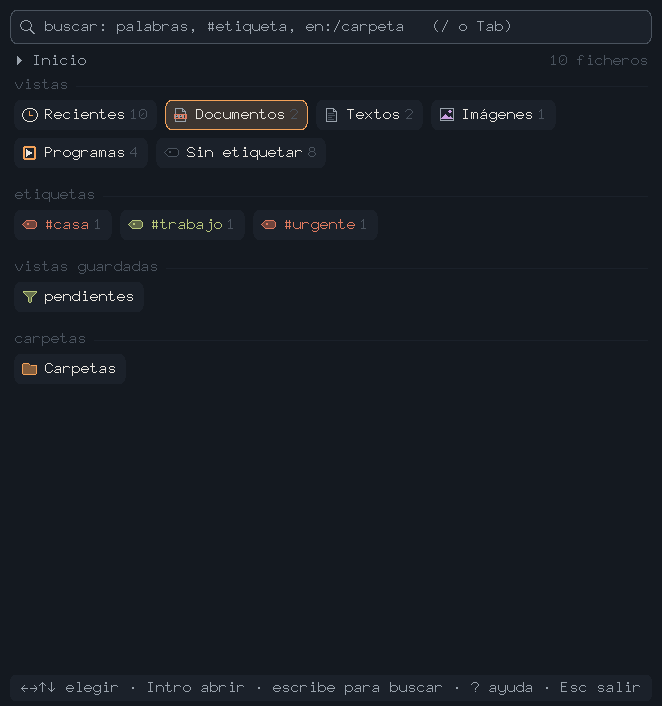
Most search tools that come with your computer read an index you don't control. Twice does the opposite: it's a whole operating system —written from scratch, without a single third-party library— dedicated to one thing, finding your files instantly, and doing it locally, with nothing ever leaving your computer. You open the app and land straight in the search. No accounts, no cloud, no terminal.

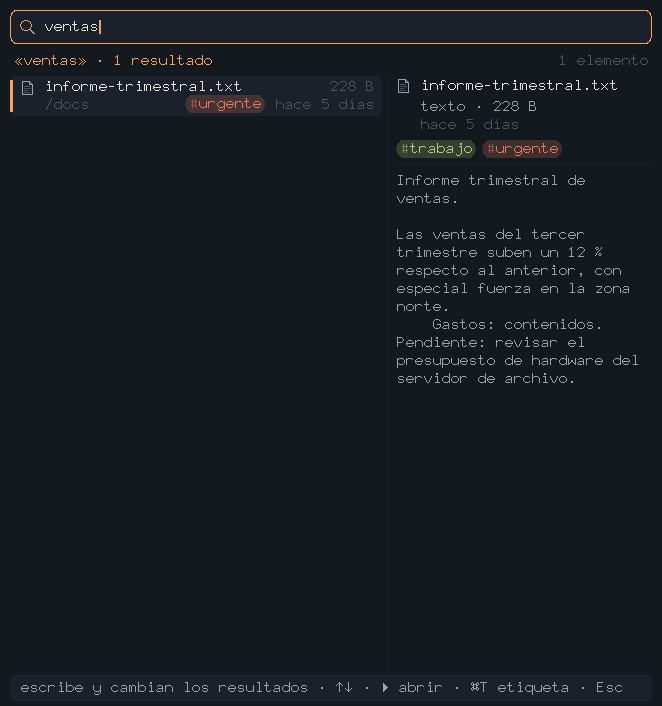
Searches inside, not just namesReads the text of your PDFs and documents and finds by what you wrote inside, not just the file name.
Everything stays on your computerNo server, no account, no telemetry. The index lives on your disk and only you see it.
Its own indexIt doesn't use Spotlight or anything from the system: Twice builds and stores its own index, and that's why it can be this fast.
An appliance, not a terminalDouble-click and you're searching. The complexity inside —a hypervisor and three kernels— you never see.

In milliseconds

What hooks you isn't just that it searches, it's how fast it answers: Twice finds files among thousands in milliseconds, as you type, with no waiting and no "indexing…" every time. Where the Mac stops to think —and sometimes you give up waiting— here it's instant.

Its own search indexIt doesn't scan the disk on every query: it keeps its own inverted index, so asking costs microseconds, not seconds.
Ranked by relevanceIt orders results with a ranking algorithm (BM25-style), like a real search engine: what actually fits first, not alphabetical or by date.
Searches inside, not just namesIt reads the text of your PDFs and documents and finds by what you wrote inside, not just the file name.
Local and instantThe index lives on your disk, no cloud or accounts, and answers the moment you release the key.

On Windows too

Twice isn't a Mac app ported to Windows: it's the same operating system, the same binary. It's ARM64 inside, so on a PC it runs emulated —and it still finds your files instantly, because what makes search fast isn't the CPU, it's the index.

A real installerDouble-click to install, get a desktop shortcut, remove it from «Installed apps». It asks for no administrator rights and touches nothing system-wide: nothing to configure, nothing else to download.
Your Documents, read-onlyIt reads the text of your files so it can search them, and changes none of them. You can point it at any other folder instead.
Copy and paste with WindowsCtrl+C puts a result's path on the Windows clipboard; Ctrl+V brings whatever you copied into the search box.
Yours onlyIt installs for your user, not for the whole machine. No services left running, no administrator rights, and uninstalling removes all of it — it even asks whether to delete the index.

Tested on 64-bit Windows 10 and 11, from a laptop over ten years old to current machines. No graphics card and no BIOS virtualization needed: the faster the CPU, the smoother it runs.

The first time, Windows will warn you: "Windows protected your PC — Unknown publisher". That appears for any program without a signing certificate, which costs a few hundred euros a year; Twice doesn't have one yet. To continue: More info, then Run anyway. If you'd rather check for yourself that the file is mine and nothing touched it on the way, here is its SHA-256 —in PowerShell, Get-FileHash twice-setup.exe:

903a0bb98736e66b98b1a09c38db856d981c144f985a7355e9f8eb1a38ea2b4b
On screen

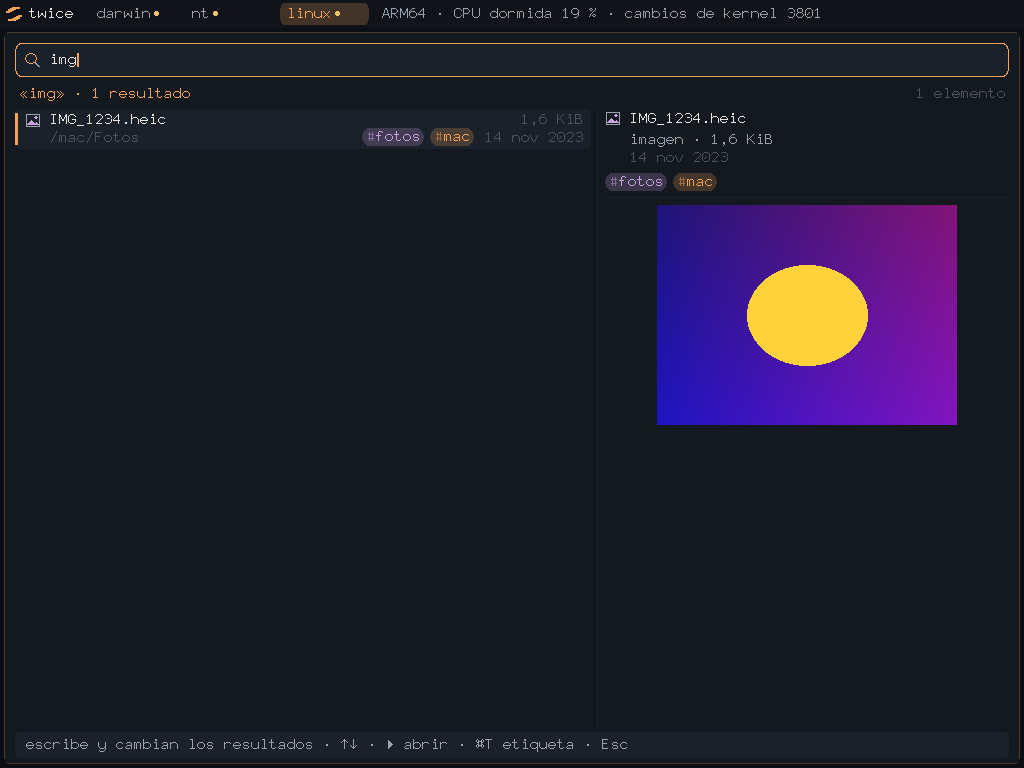
Twice — home: views and tags Twice — search with document preview Twice — viewing a photo

Looking for talent?

I built this in about 17 hours, alone, depending on nothing external: a hypervisor, three kernels, Mach-O, PE and ELF loaders, a filesystem with its own index, and macOS packaging. If your team needs someone who can go down to this level —Rust, systems, performance, on-device— and still ship product, let's talk.