MuSeA
Your music, turned into a city.
macOS 14 or later · Apple Silicon Mac (M1 and up) · version 1.0
Signed and notarised by Apple. Not on the Mac App Store.
Signed and notarised by Apple. Not on the Mac App Store.
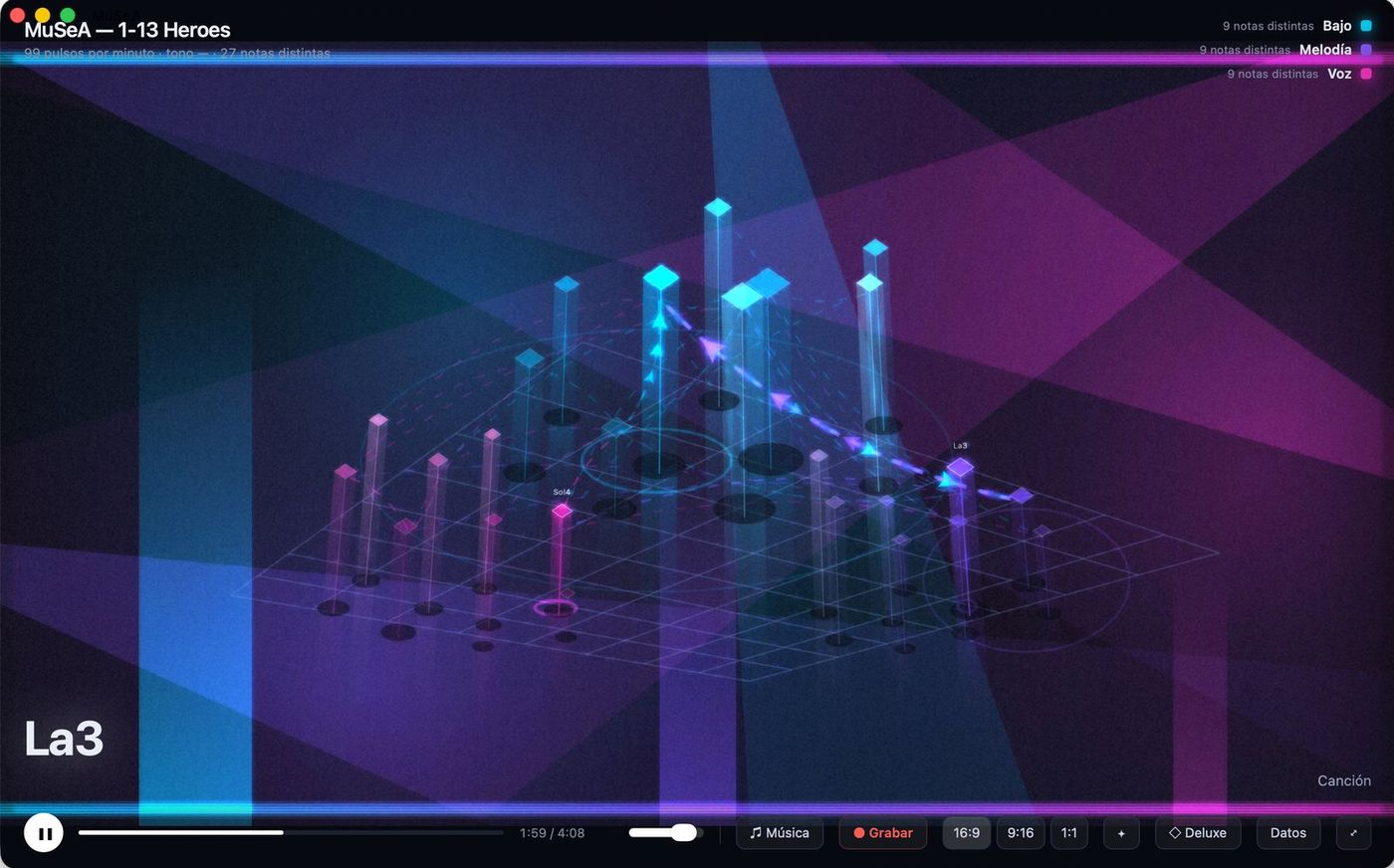
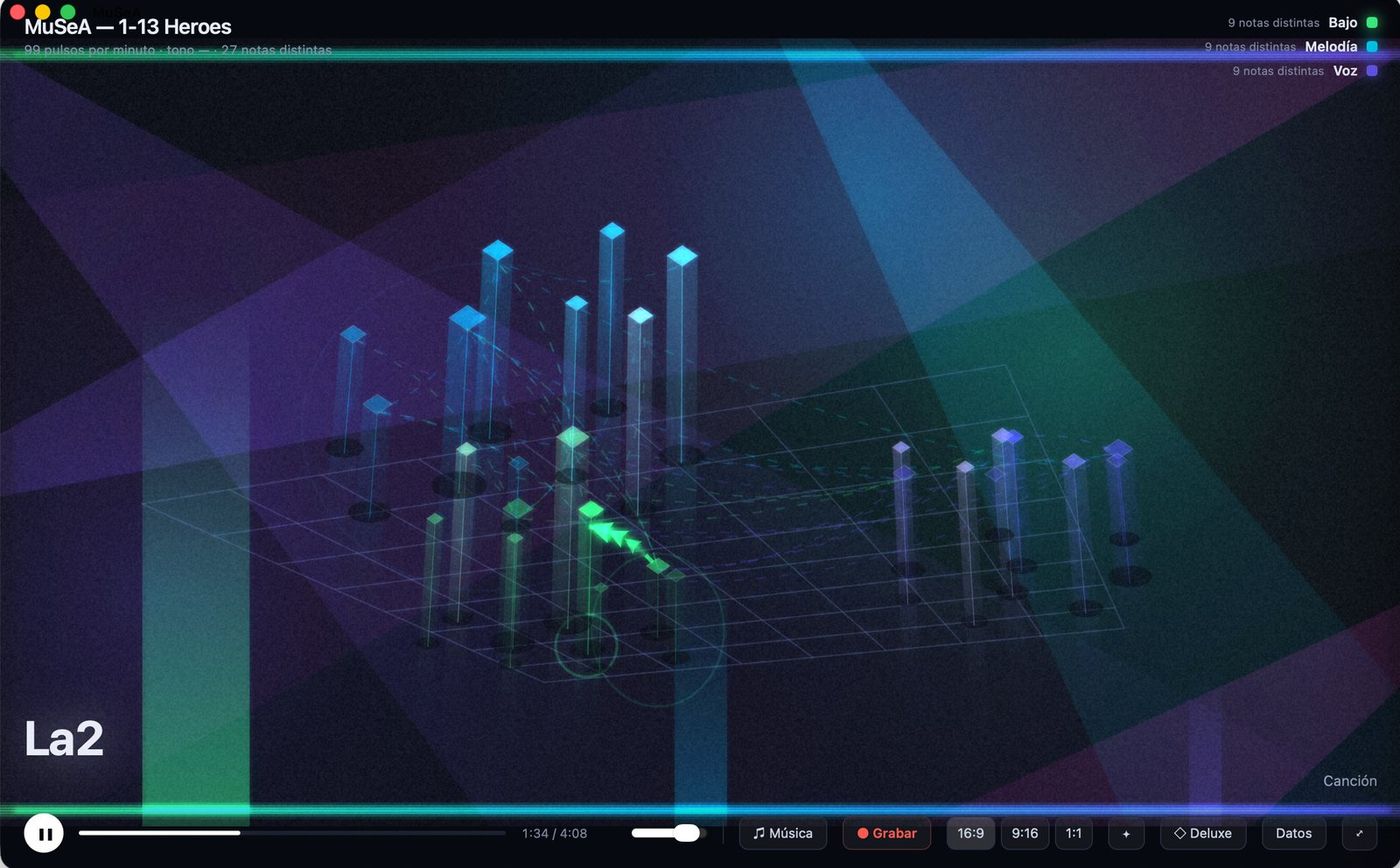
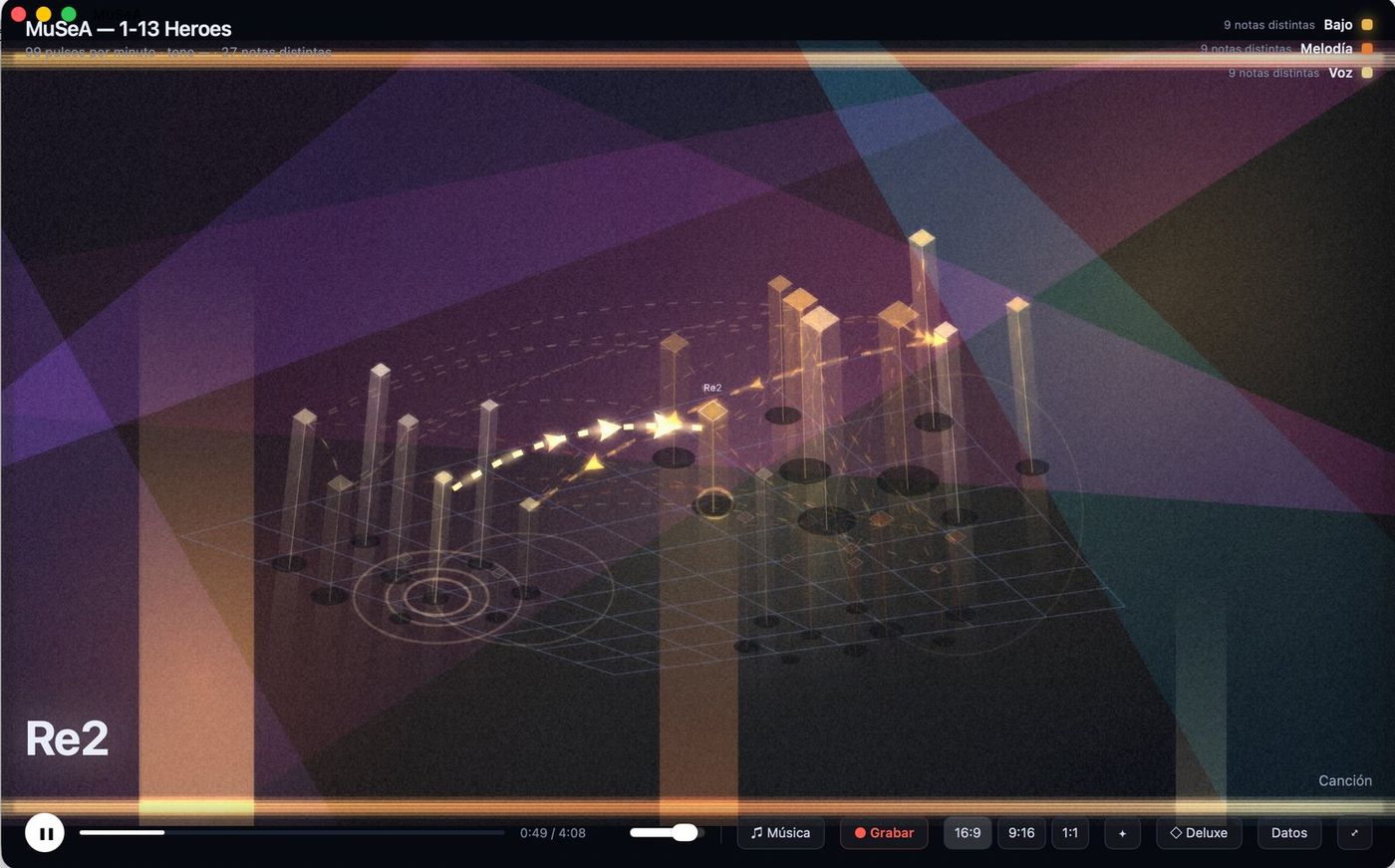
This isn't a drawing that bounces to the beat. MuSeA listens to the whole track first: it pulls apart what is playing, finds the notes, and builds a city where every instrument is a building and every note a window lighting up. Then it plays the track back, and the city moves because the music that built it is being played.
Each scene moves eight values at once — atmosphere, glow, haze, floor reflection, grain, aberration, orbit and distance — so it doesn't change the colour: it changes the place.
The Deluxe Studio panel puts all eight controls within reach. You don't need to touch them — the scenes are finished places already — but they're there for anyone who enjoys the fine-tuning.
The app is signed with my developer certificate and notarised by Apple, so macOS recognises it and you won't see the "cannot be opened because it is from an unidentified developer" warning. If you do see it, the download was truncated: delete it and download again.
MuSeA started life as a Python script. The Mac version keeps that analysis engine and wraps a real app around it, rather than rewriting from scratch something that already worked well.